
POINT-AND-CLICK × HIDDEN PRESENTS
Nothing To See Here
A Christmas present hunt: Mum has hidden twenty presents round the house and left a note saying there’s nothing to see here.
⏱ TWENTY PRESENTS, BEFORE MUM GETS BACK FROM THE SHOPS
PLATFORMER × THE HISTORY OF VIDEO GAMES
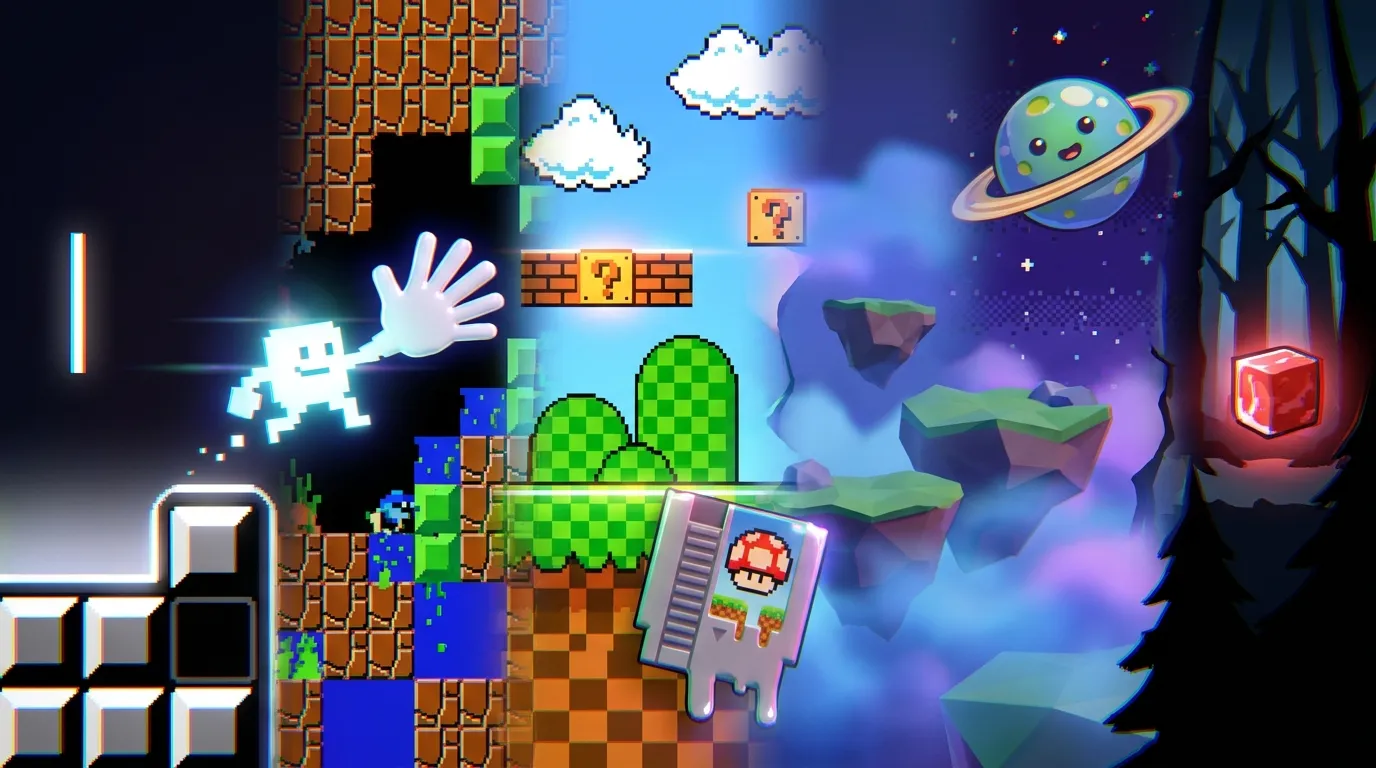
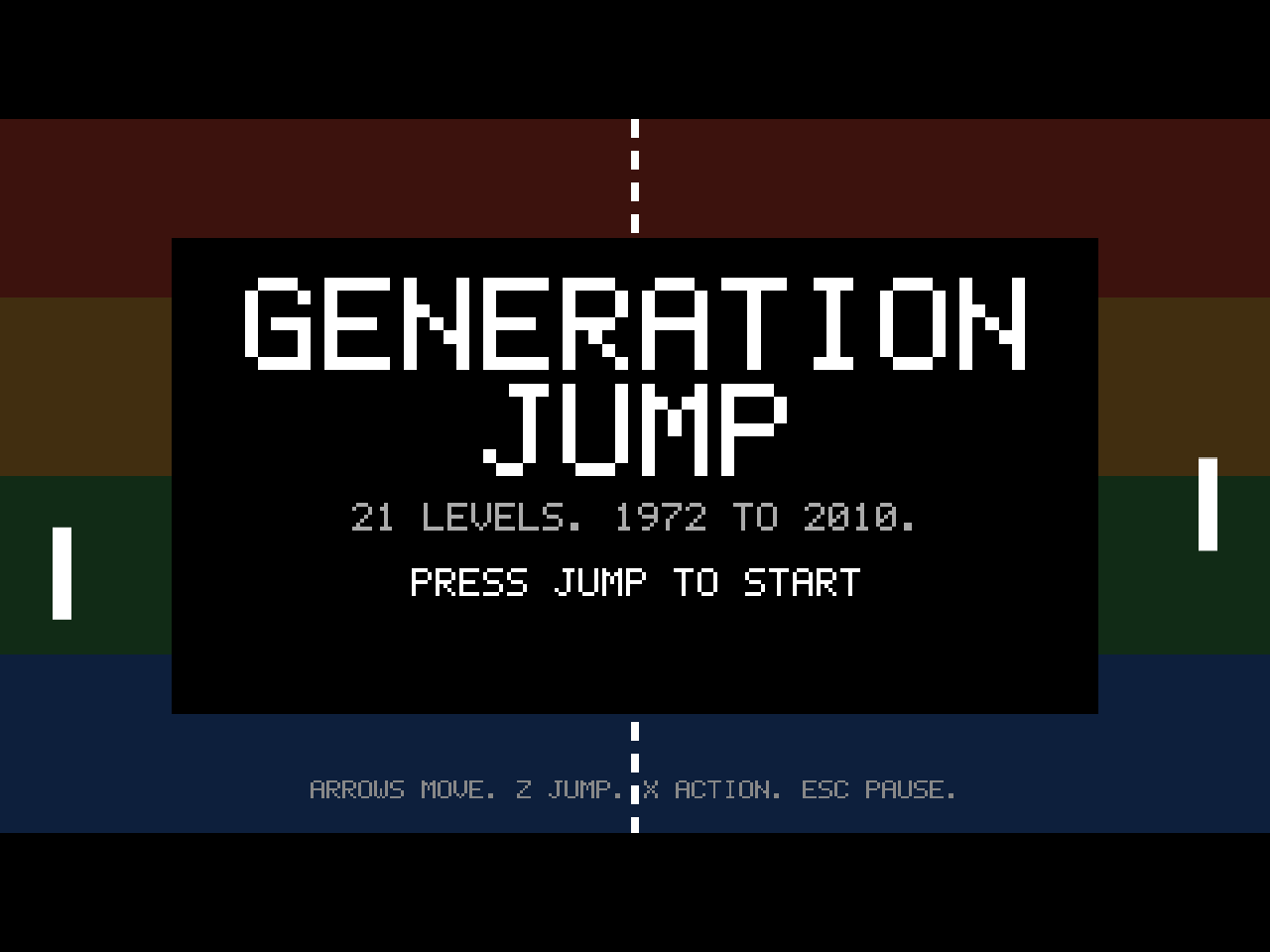
A platformer through the history of home video games, from the Magnavox Odyssey in 1972 to Super Meat Boy in 2010. Twenty-one levels, twenty-one machines.
⏱ TWENTY-ONE LEVELS, 1972 TO 2010 · RUNS IN YOUR BROWSER · SAVES AUTOMATICALLY
The machine emulated the Spectrum’s colour clash, the 2600’s mirrored playfield and the PlayStation’s wobbling polygons, on purpose, in a browser. It knows more about old hardware than the people who built it. It is not even slightly nostalgic.
THE PROMPT THAT STARTED IT ALL 🧠
> Create a platforming game where each level tells the story of home video (computer and console) gaming. The first level should be ZX80/81 (or before?)in look and feel, and the last level be modern. Each level should be a different platform, and each level should be distinctive to the platform you are representing. Each level should have the same lead character, but the level should be heavily inspired by the game you are picking for that platform. The object you obtain at the end of each level explains the jump in fidelity. Multiple games per platform is fine, if there are generation jumps in quality. All of the iconic games and platforms should be represented.▌
That’s it. That’s the brief. Everything else — every line of code, every pixel, every note — came out of the machine. Typos preserved for authenticity.Disclosure: a human may have intervened afterwards, when the machine made the first upgrade cost more than the GDP of Wales, or decided a run should last eleven hours. Even then, the human only fixed it by typing more prompts and sighing loudly. 🫠
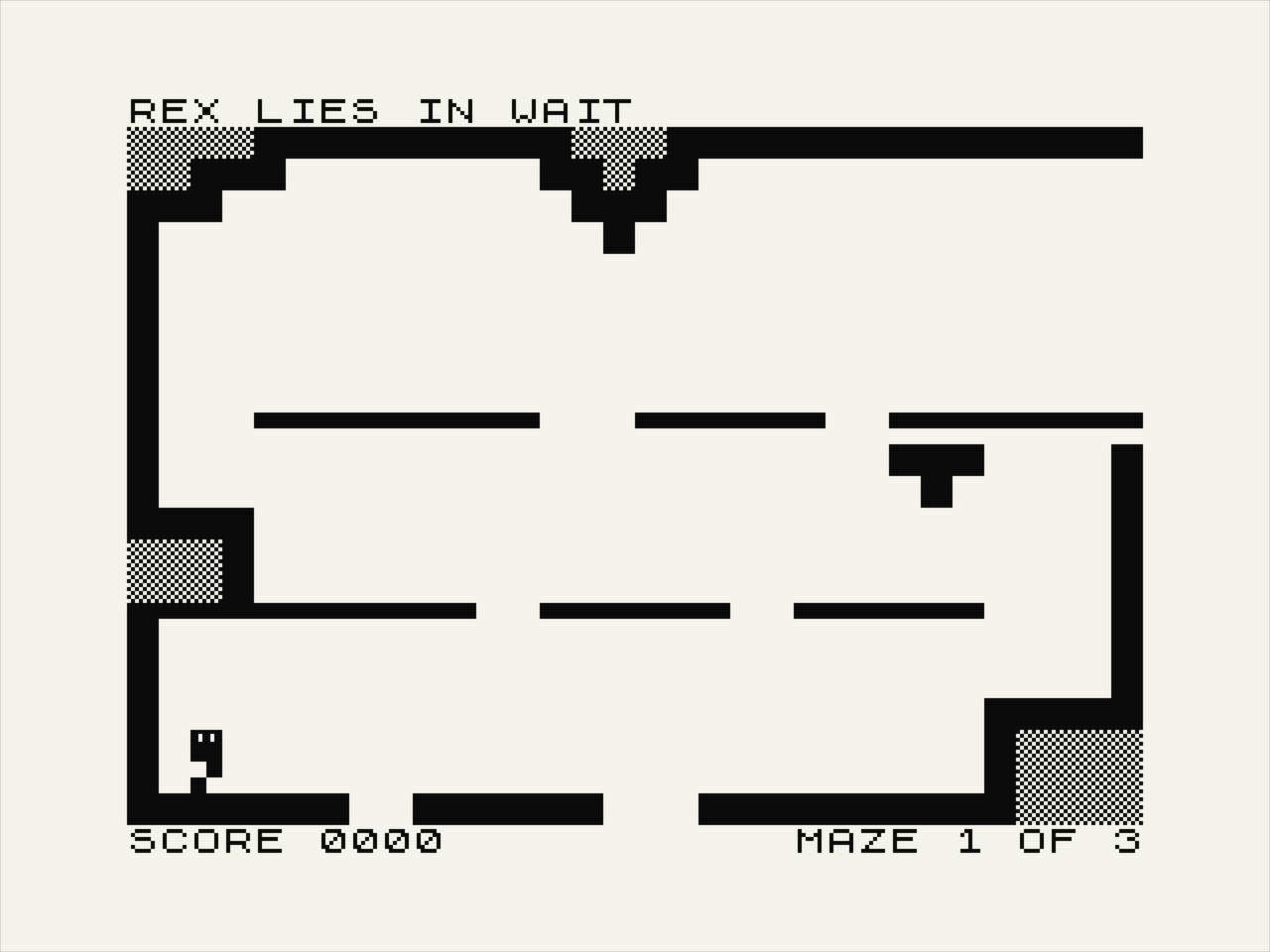
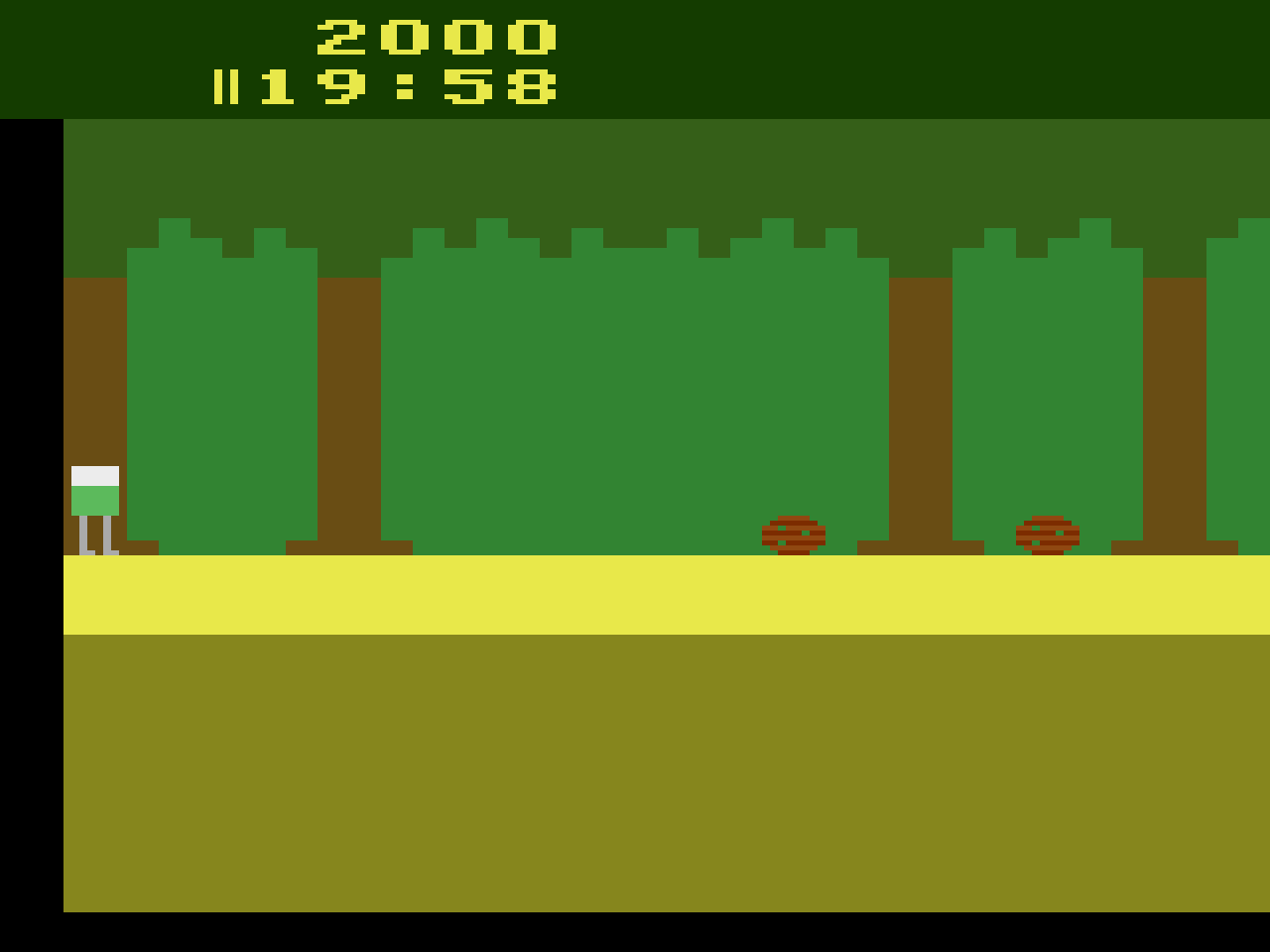
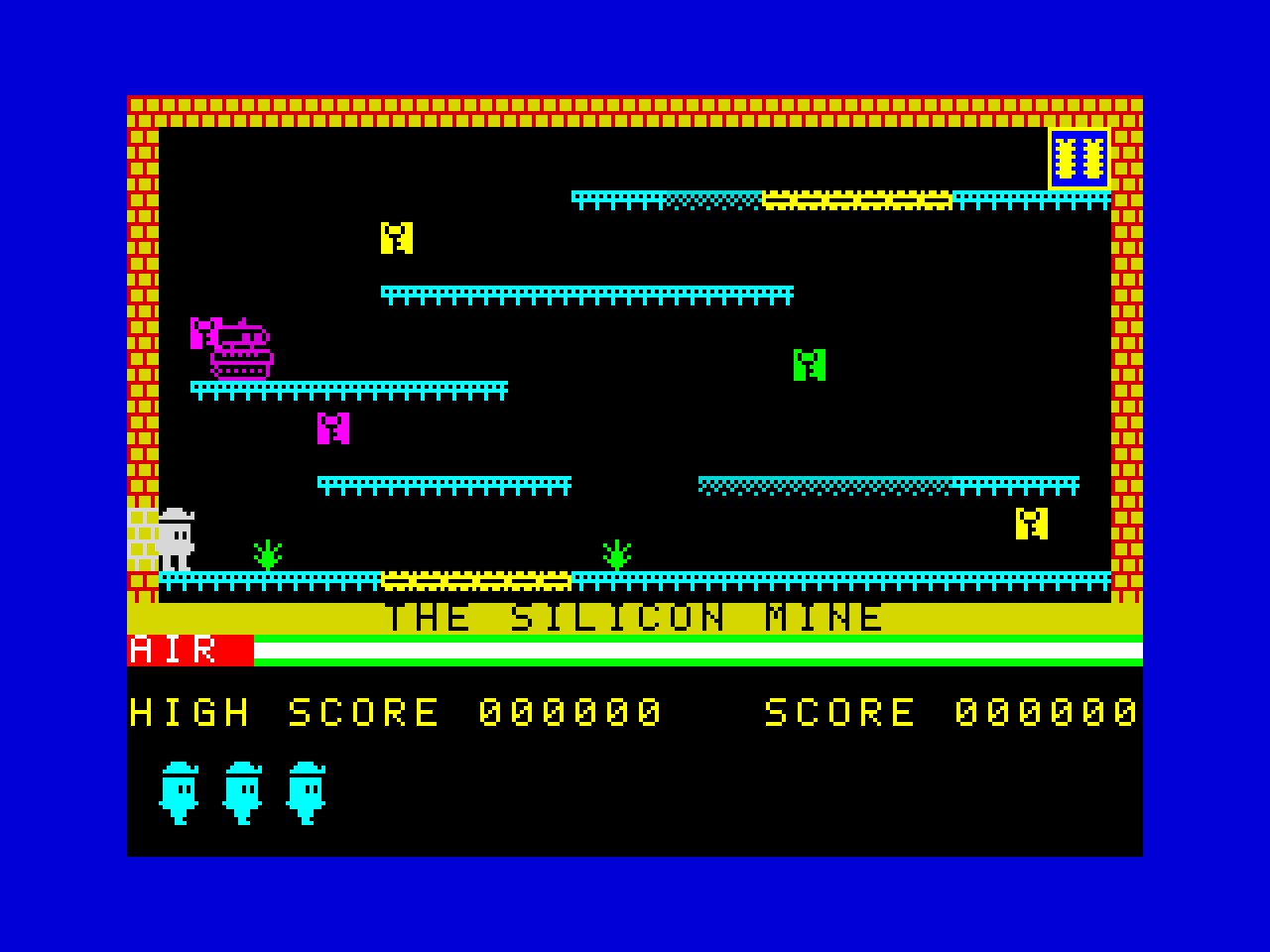
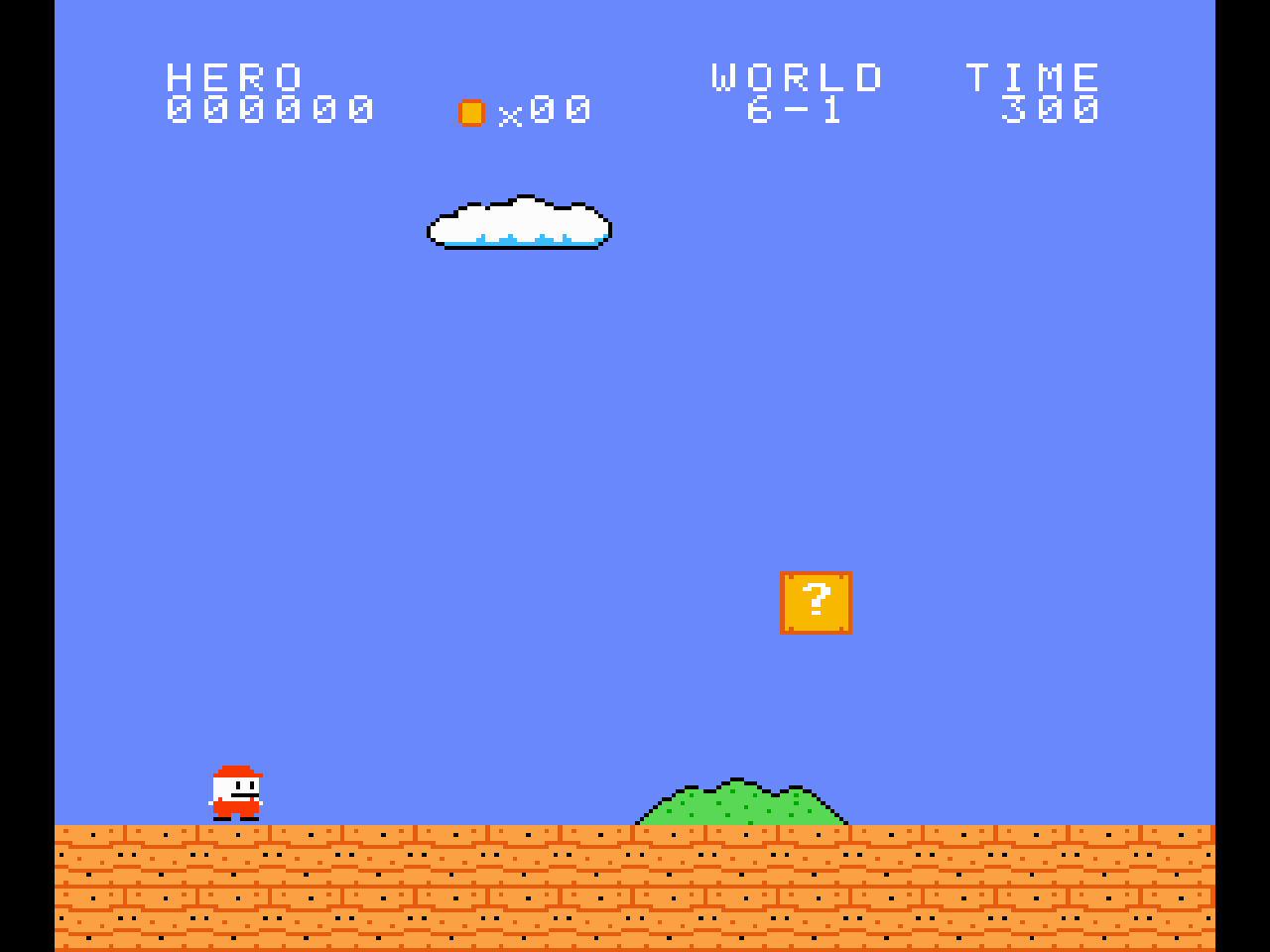
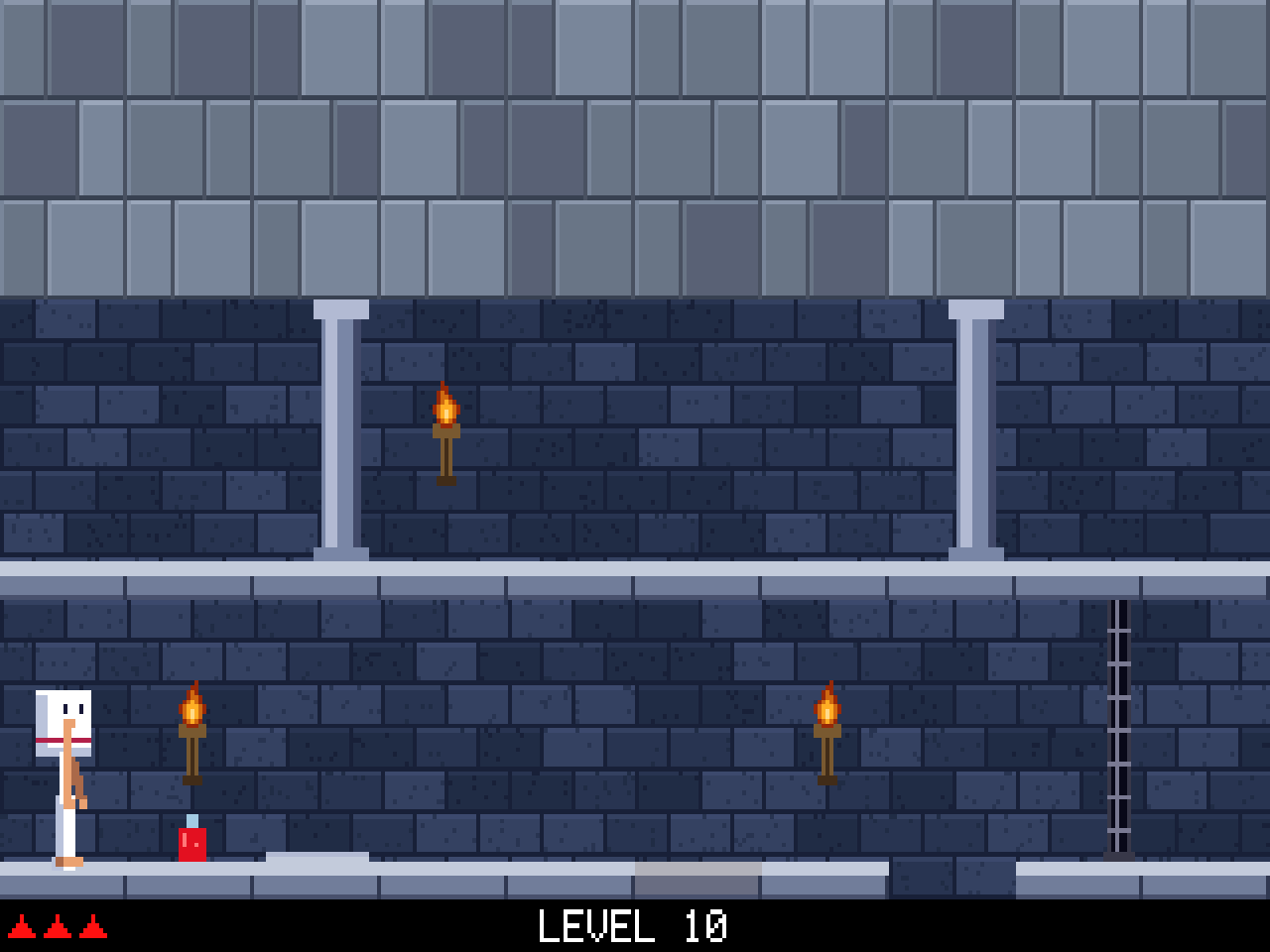
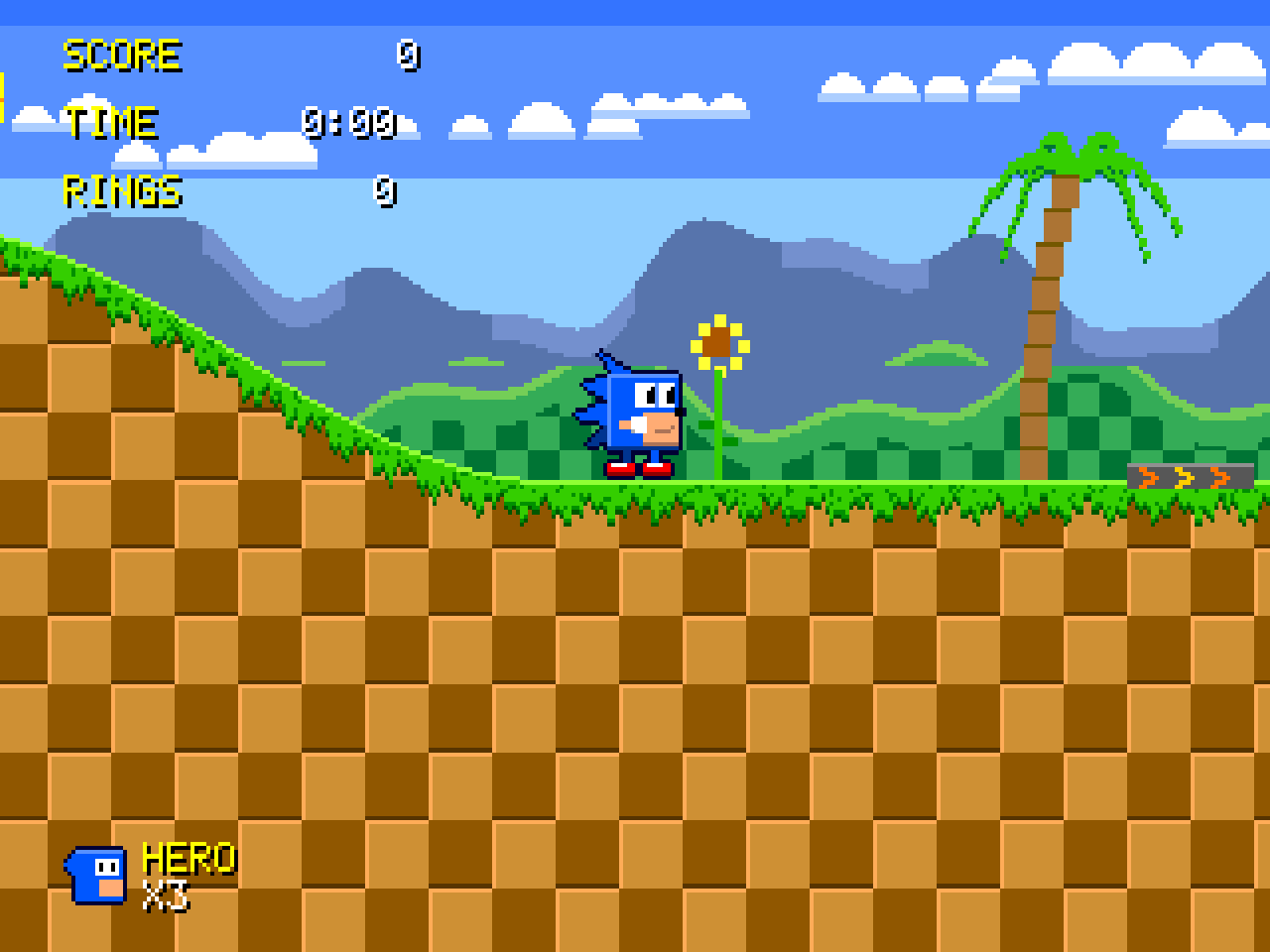
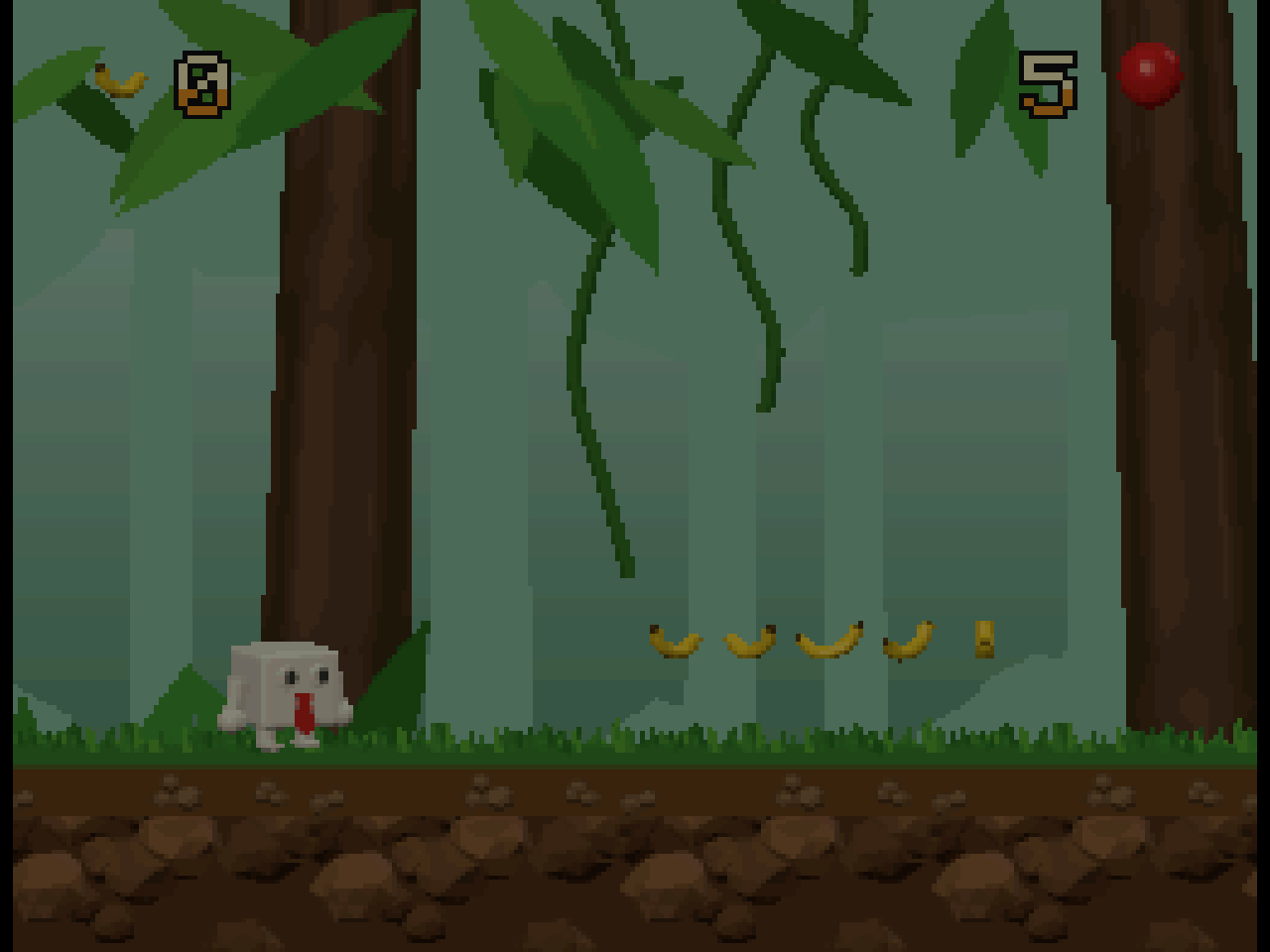
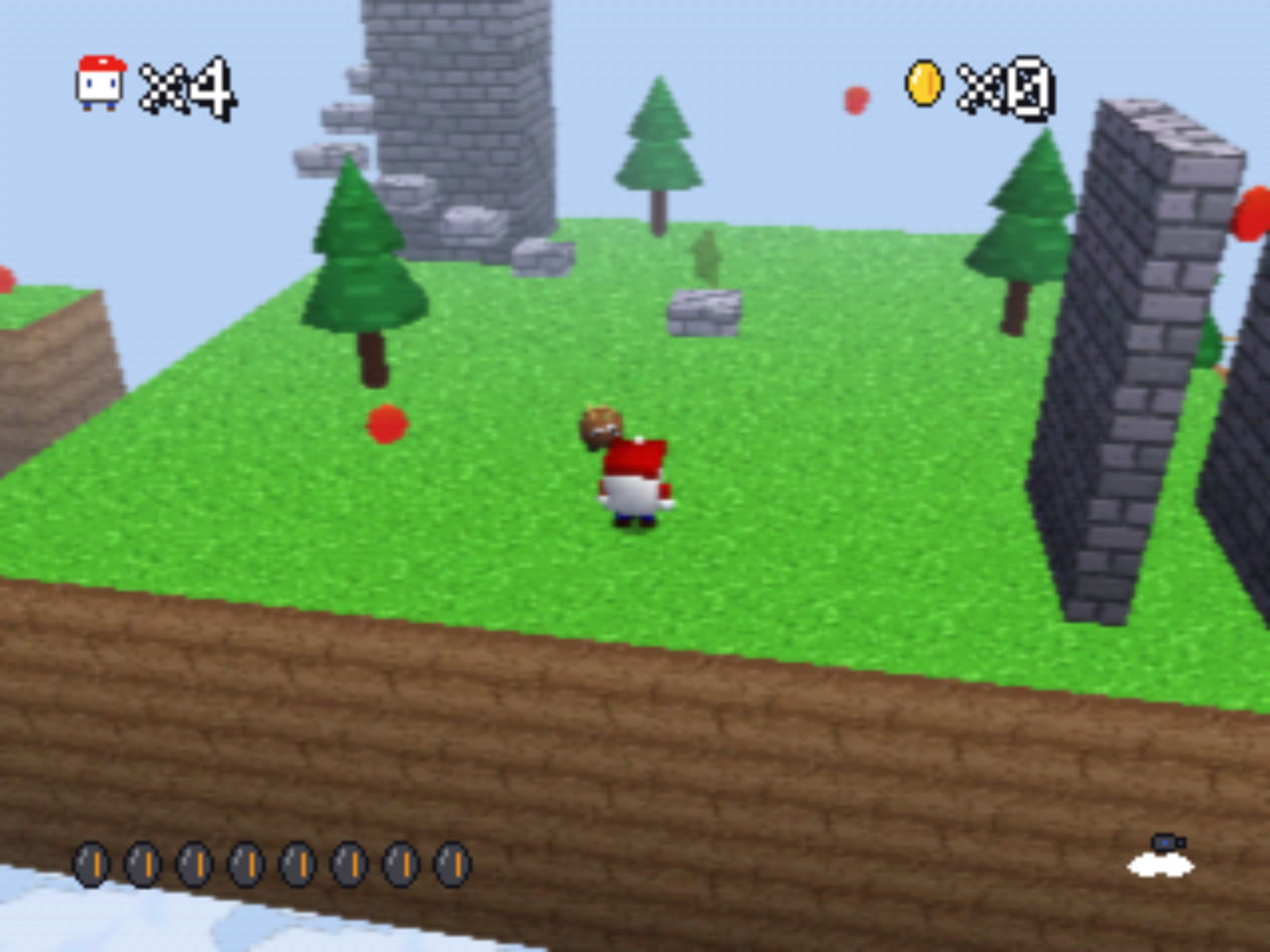
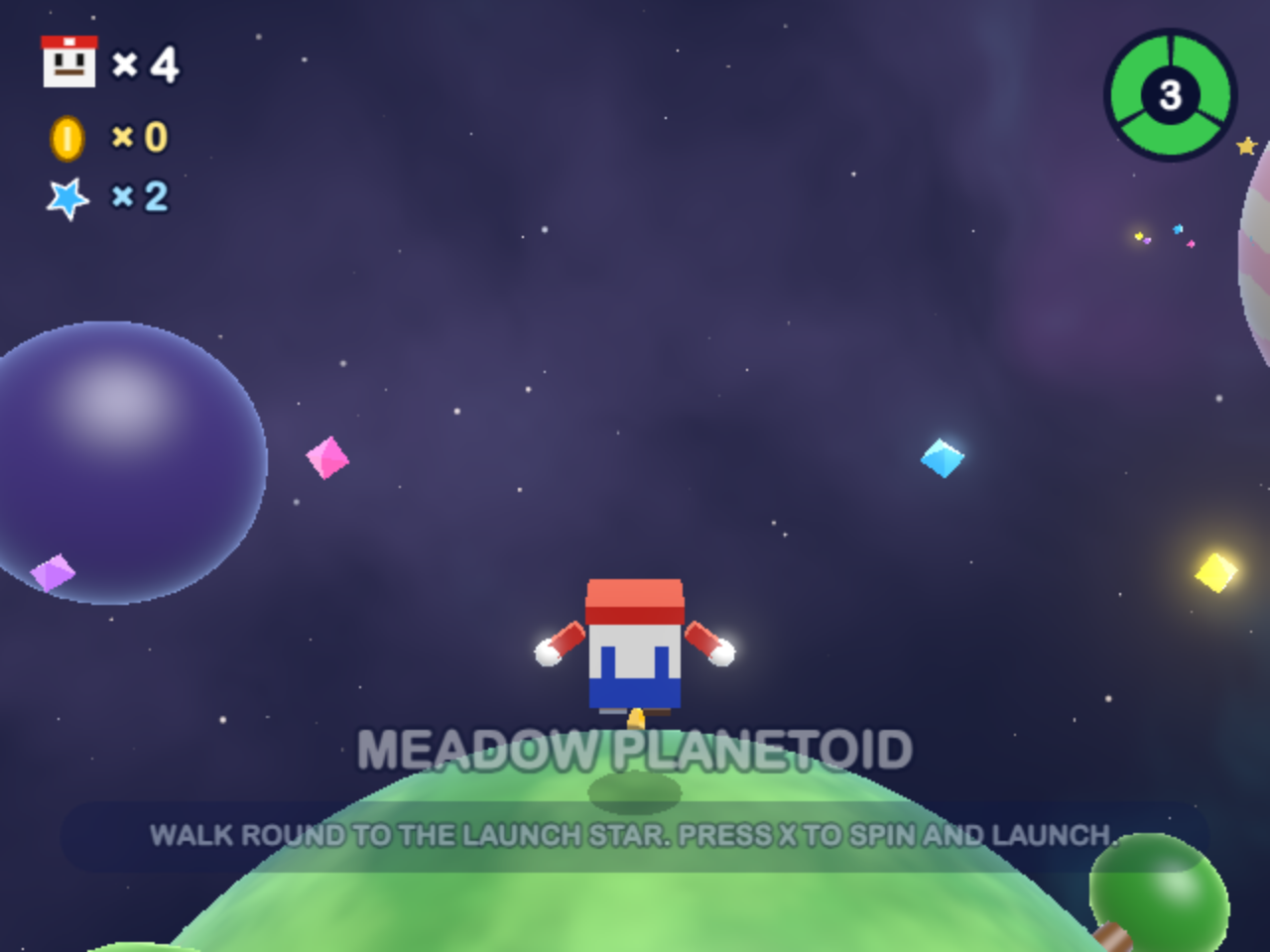
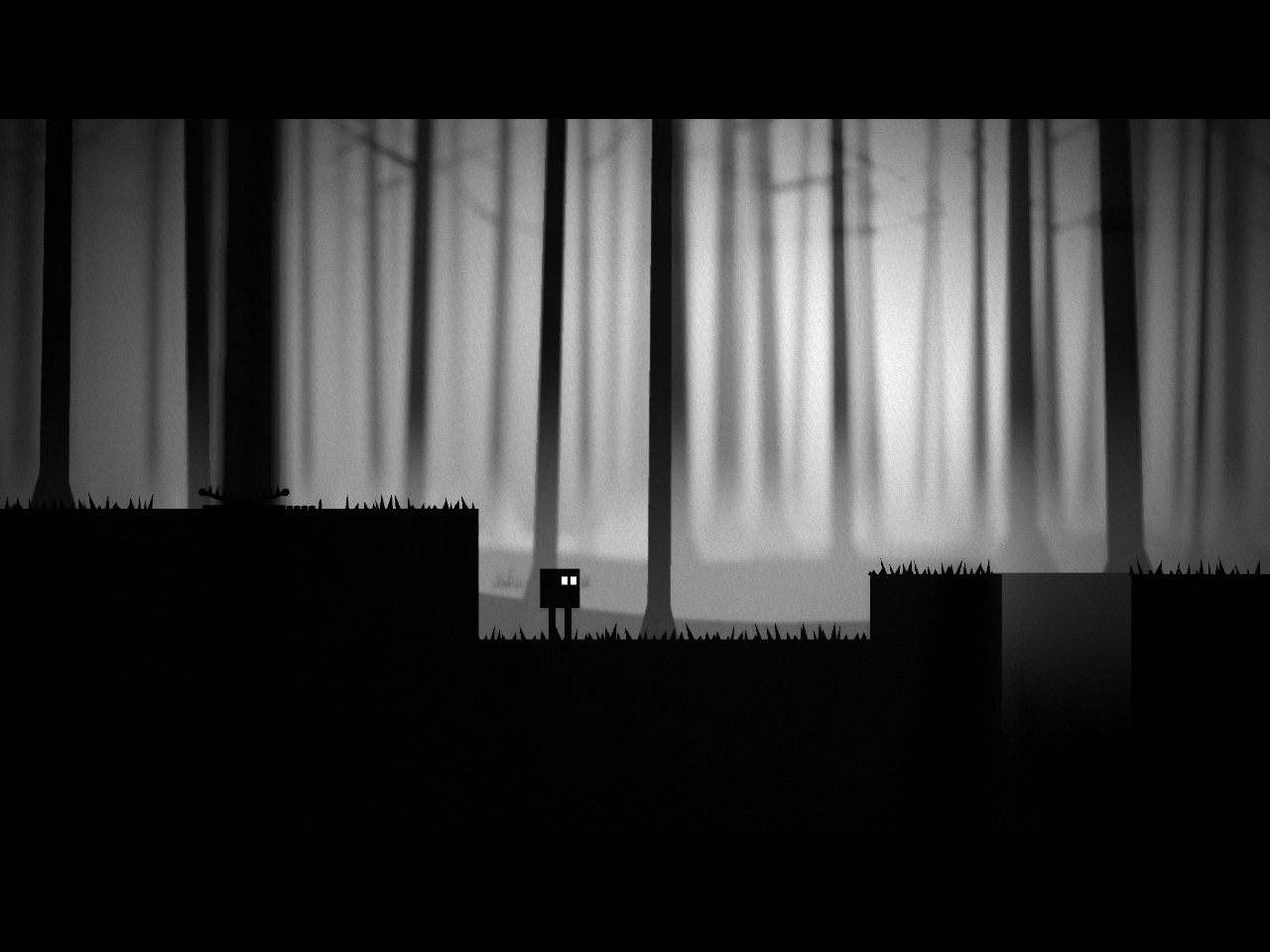
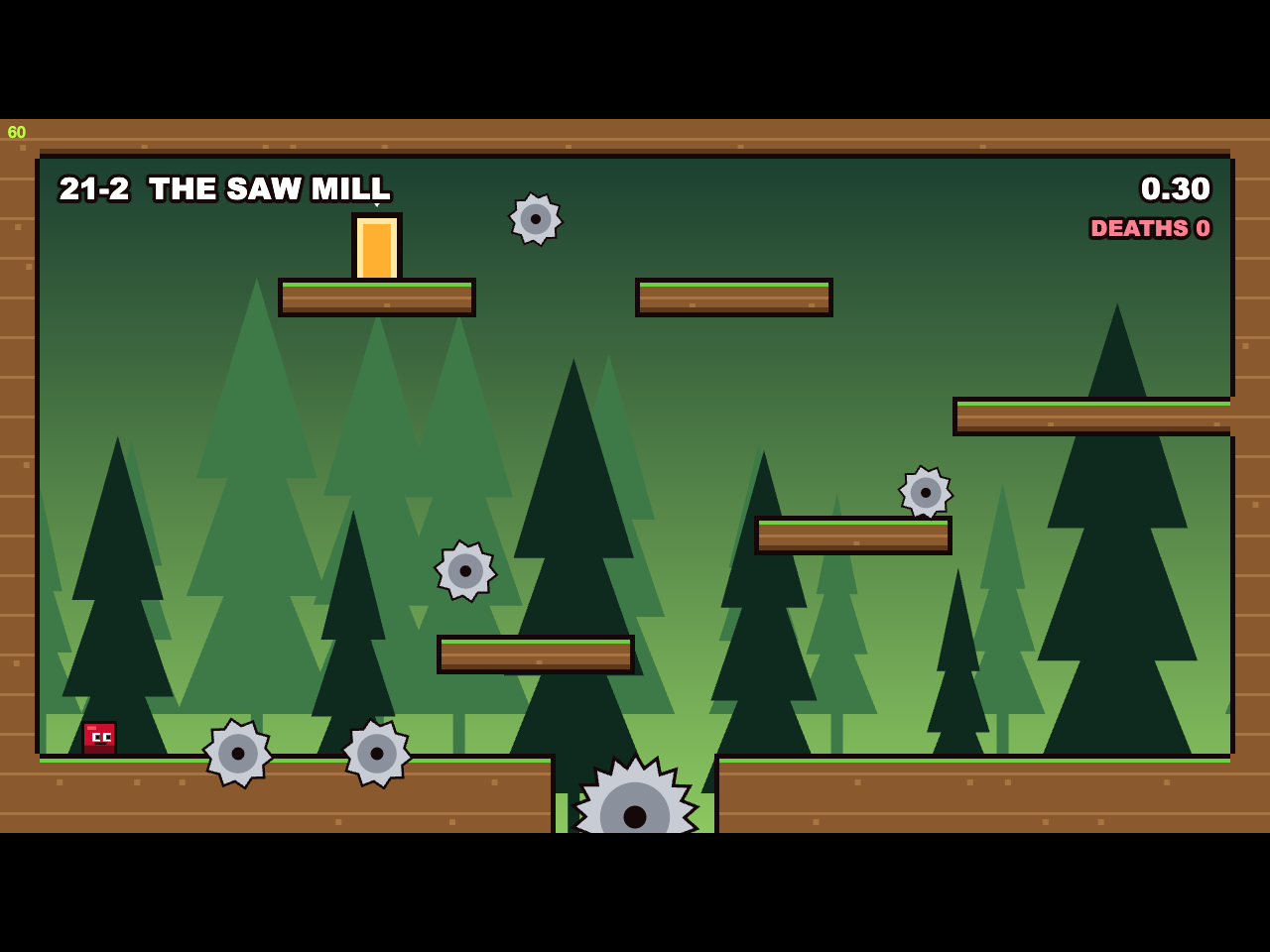
Generation Jump is a platformer in 21 levels that tells the story of home video games, from the Magnavox Odyssey in 1972 to Super Meat Boy on PC in 2010. Each level is one computer or console, and plays like a key platform game on it: 3D Monster Maze, Pitfall!, Manic Miner, Super Mario Bros., Prince of Persia, Sonic, Crash Bandicoot, Super Mario Galaxy, Limbo and more. The layouts, art, enemies and music are new.
Each level copies its platform’s limits in code: its resolution and palette, its sprites per line, the Spectrum’s colour clash, the 2600’s mirrored playfield, the PlayStation’s wobbling polygons and the N64’s fog. Music and sound play on a model of each machine’s sound chip.
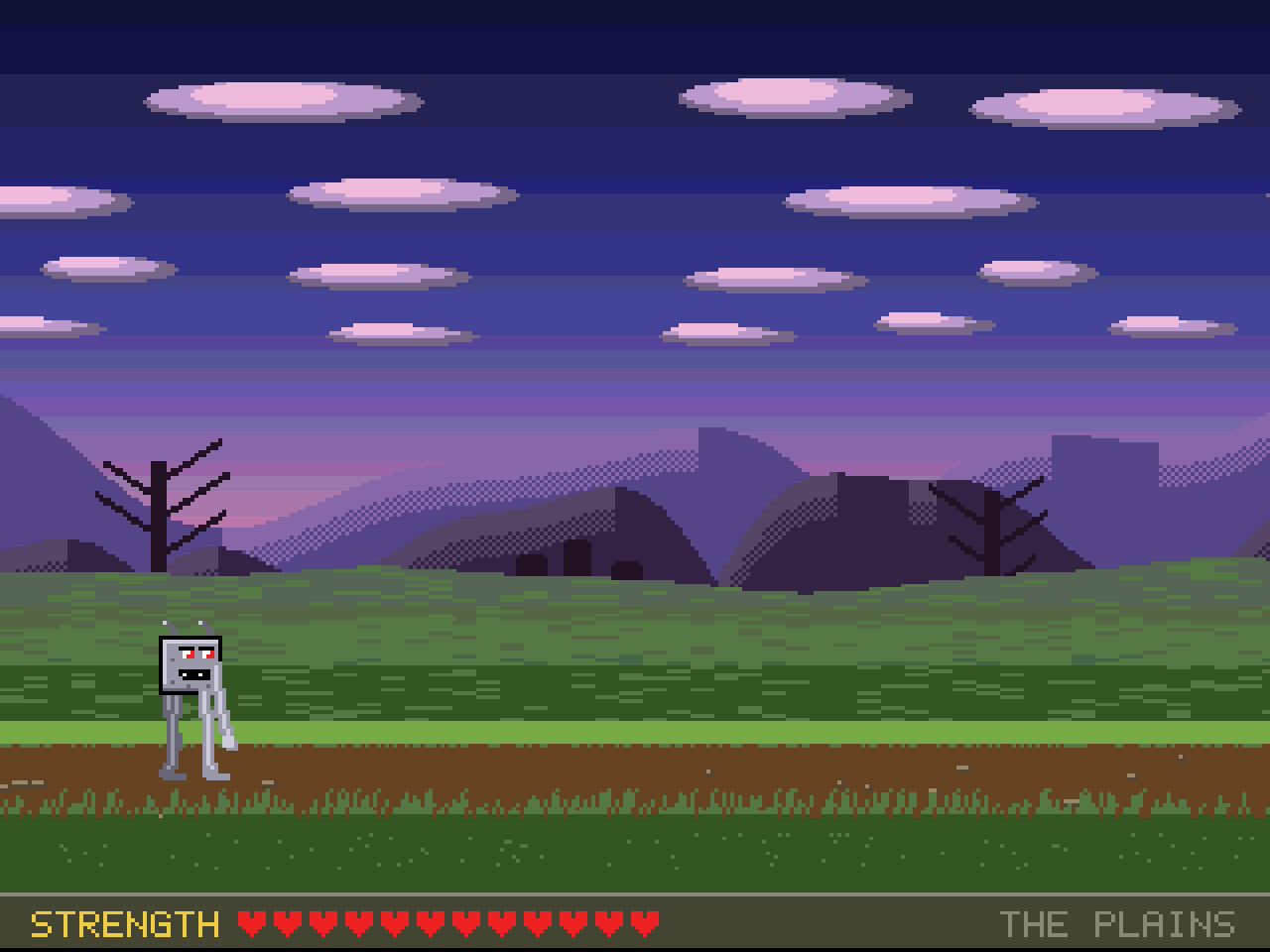
One hero plays every level: the white square from the Odyssey, which grows legs on the ZX81, arms and eyes on the Spectrum, then wears each game’s costume, and ends as a red meat cube. Each level ends with the next machine’s hardware, and a screen explains what it made possible. All 21 levels are original tributes. The lawyers were also generated.
Plays on a phone, in your browser. Turn it sideways if the game asks, and tap Fullscreen on the play page. The machine made it pocket-sized and is very proud.
A quick guide for your first session. The machine wrote the game; we wrote this bit from its README.
Start a new game for the three-page intro, or continue from the furthest level you’ve reached.
Each level opens with why that machine and game matter, then its controls. Read them: every level plays differently.
Move with WASD or the arrows, and jump with Space or Z. Shift or X is the action button, which punches, runs, spins, sprays or searches depending on the level.
Early machines only had one button, so the Odyssey, ZX81 and 2600 levels use jump alone.
Collect the item at the end of each level to unlock the next machine’s hardware and see what it made possible.
Use level select to replay any level you’ve reached, and History to see every item screen and the credits.
Every update below was also made by the machine. We just pressed Enter again.
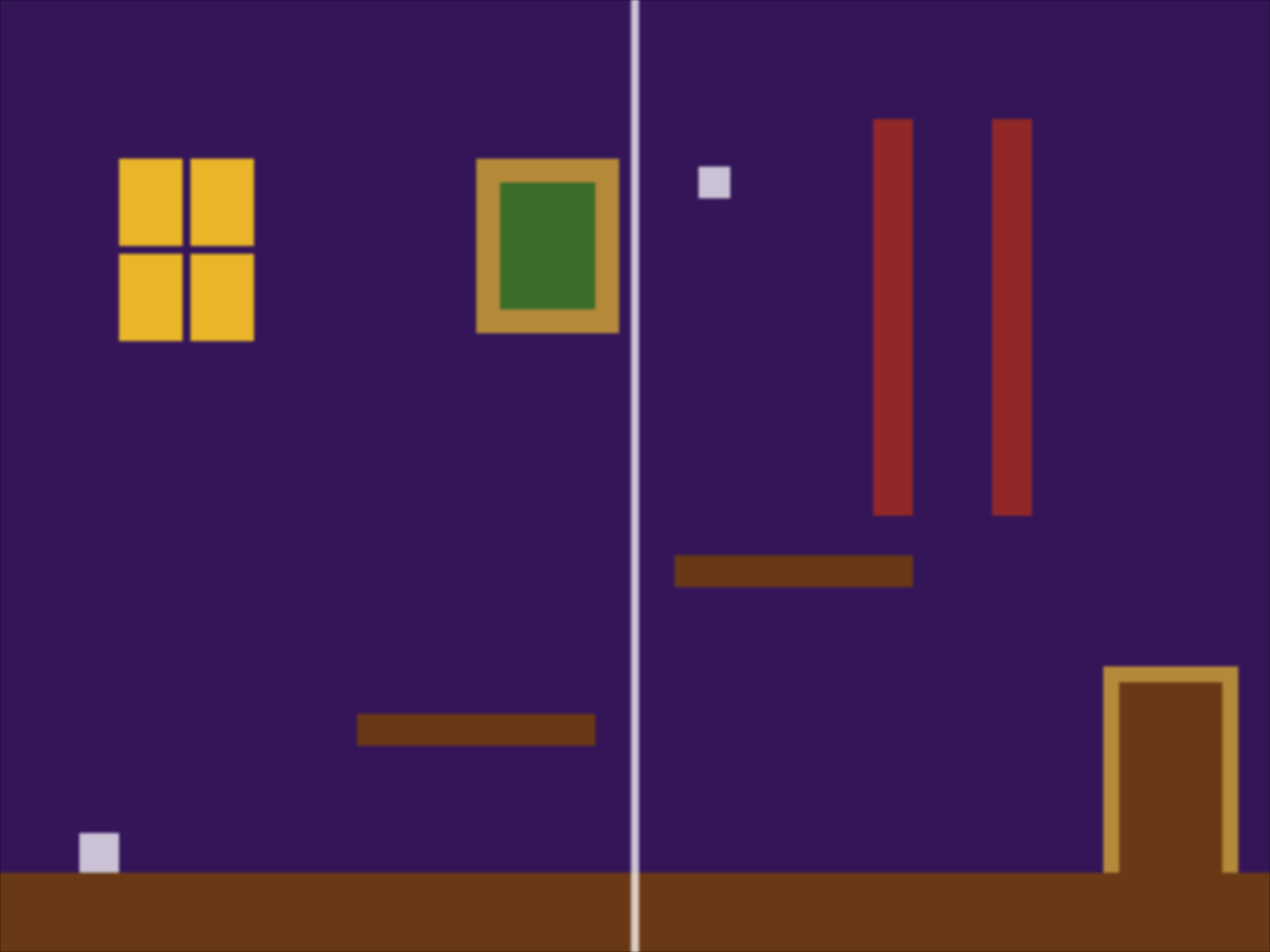
These are real screenshots. Somehow these are the least AI-looking images on the site.
POINT-AND-CLICK × HIDDEN PRESENTS
A Christmas present hunt: Mum has hidden twenty presents round the house and left a note saying there’s nothing to see here.
⏱ TWENTY PRESENTS, BEFORE MUM GETS BACK FROM THE SHOPS
FIRST-PERSON INCREMENTAL × BALL PIT
A first-person incremental game: a dad has lost his keys in your play centre’s ball pit, and the ball pit holds 100 million balls.
⏱ ABOUT THREE HOURS OF BALLS