POINT-AND-CLICK × HIDDEN PRESENTS
Nothing To See Here
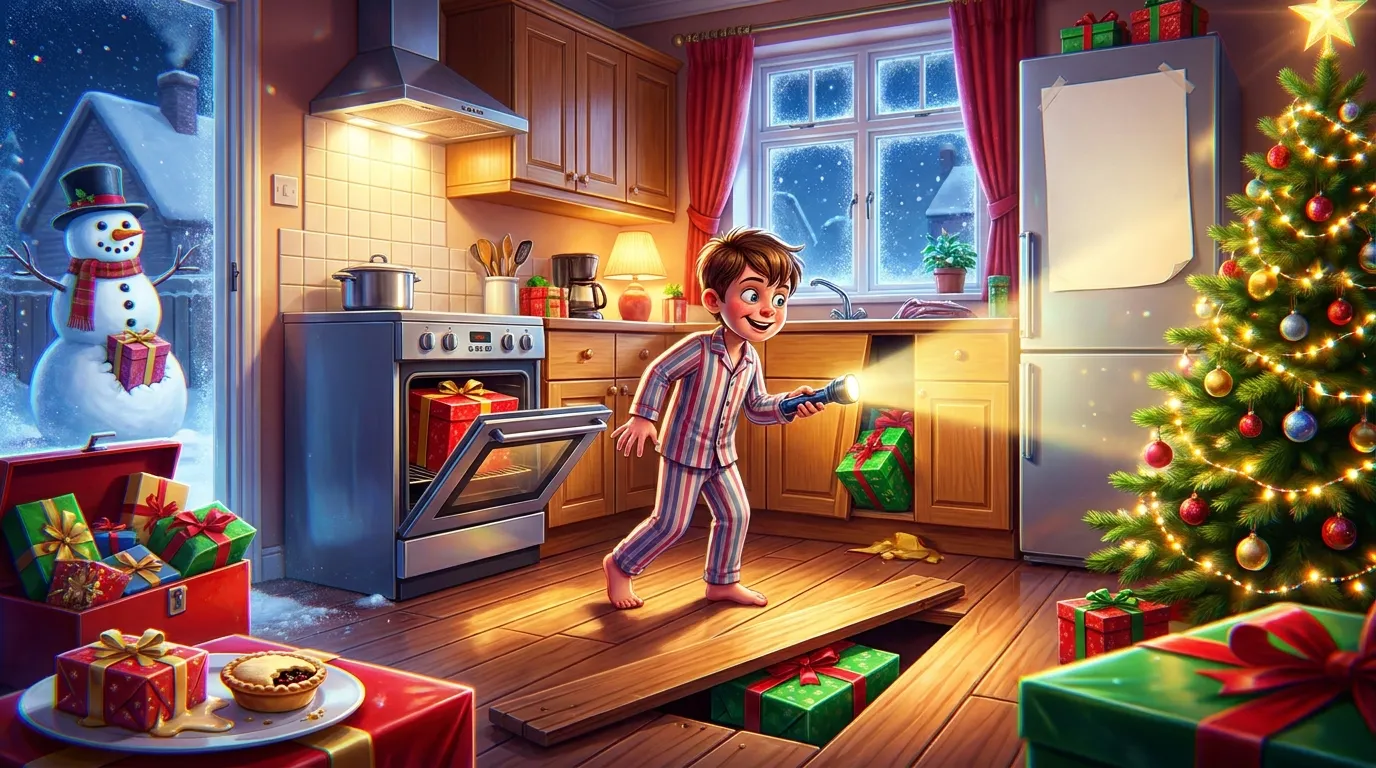
A Christmas present hunt: Mum has hidden twenty presents round the house and left a note saying there’s nothing to see here.
⏱ TWENTY PRESENTS, BEFORE MUM GETS BACK FROM THE SHOPS
FIRST-PERSON BROWSING × NOSTALGIA
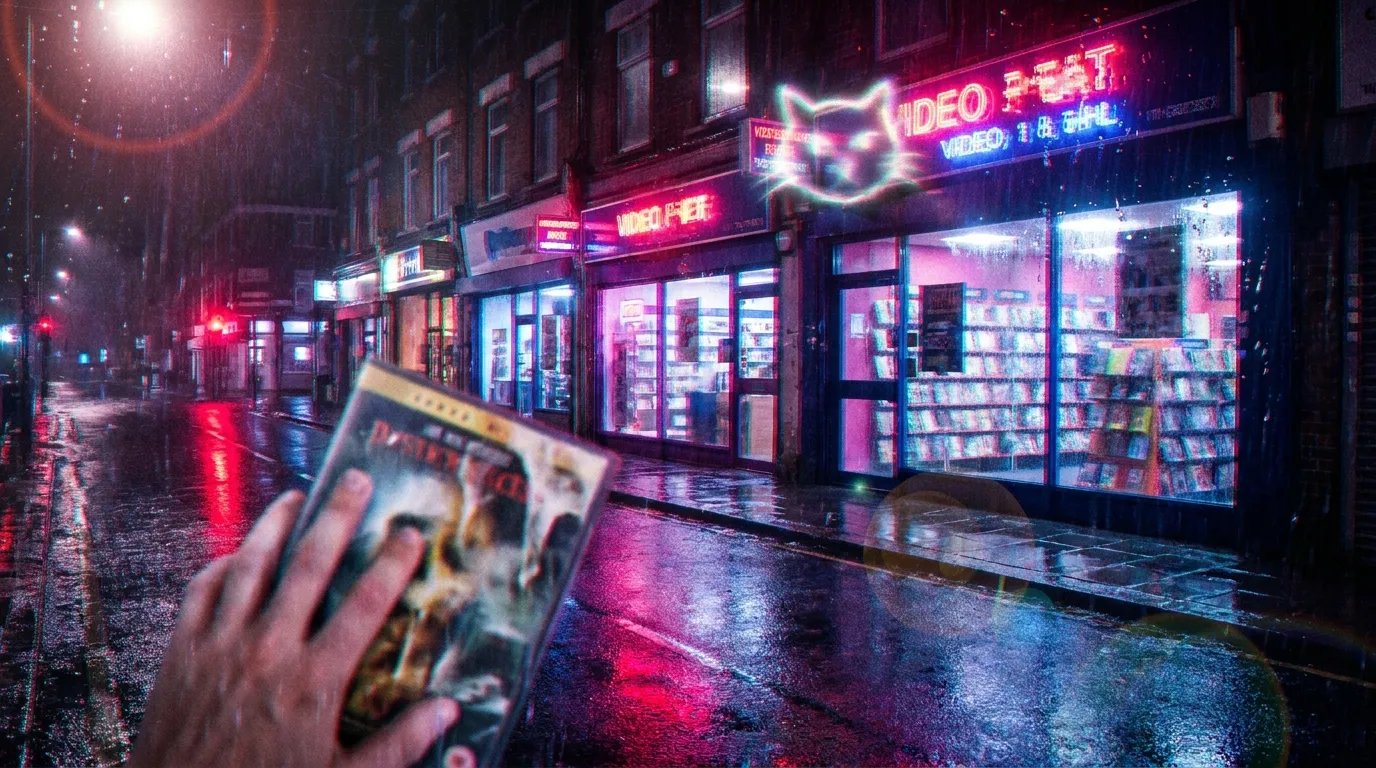
Walk a rainy British high street and browse your streaming apps as video rental shops, stocked with their real UK catalogues on DVD.
⏱ ONE FRIDAY NIGHT, OR UNTIL YOU PICK A FILM · RUNS IN YOUR BROWSER · SAVES AUTOMATICALLY
The machine has rebuilt the Friday-night video shop, down to the fluorescent hum and the bargain bin, then stocked it with every streaming app in the country. Be kind, rewind. There is nothing to rewind.
THE PROMPT THAT STARTED IT ALL 🧠
> Create a "game", first person where you have a few video stores - netflix, disney+, iplayer etc. In the front windows you have posters for new releases and inside again the endcaps and posters are new releases and high popularity. Aisles for each genre and you walk down it and see 'DVDs' for the films, and have like a kids section, and a bargin bin of some random low popularity films - and of course a box sets section for series. The idea being, you can walk around and enter the stores for the apps you have and browse for films to watch like you used to do at blockbuster - make each store unique and somewhat suited to the platform it represents, the feel of the stores need to somewhat be reminiscent of old blockbuster and other video rental stores. You can 'pick up' a DVD to look at the artwork closer, turn it over to see whos in it and other information about the film that would be useful. Think of our features that might be nice to have to both bring back the memories of video rentals and also to actually help you decide on something to watch that is an alternative to given apps interfaces.▌
That’s it. That’s the brief. Everything else — every line of code, every pixel, every note — came out of the machine. Typos preserved for authenticity.Disclosure: a human may have intervened afterwards, when the machine made the first upgrade cost more than the GDP of Wales, or decided a run should last eleven hours. Even then, the human only fixed it by typing more prompts and sighing loudly. 🫠
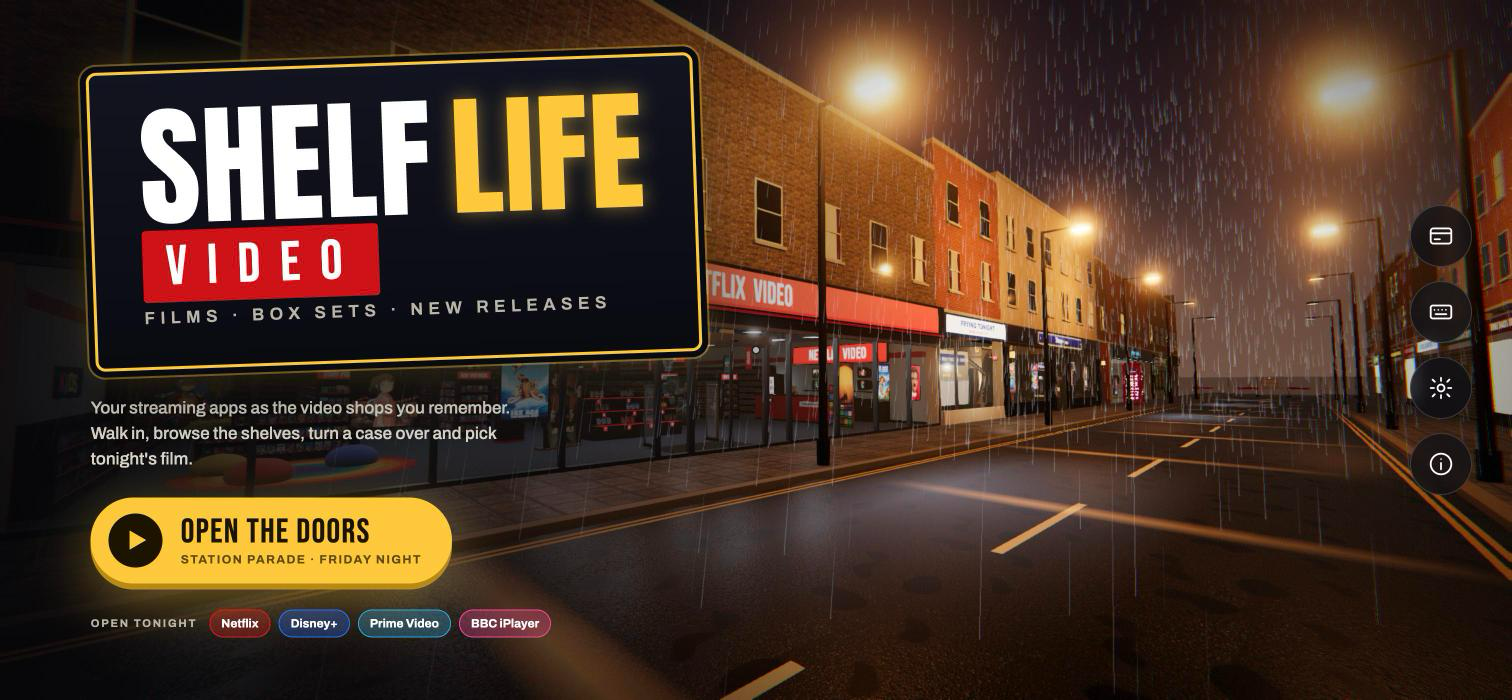
Shelf Life Video is a first-person walk along Station Parade, a rainy British high street on a Friday night, past a row of video rental shops: one for each streaming app. Every shelf is stocked with what is really on that app in the UK, as DVD cases.
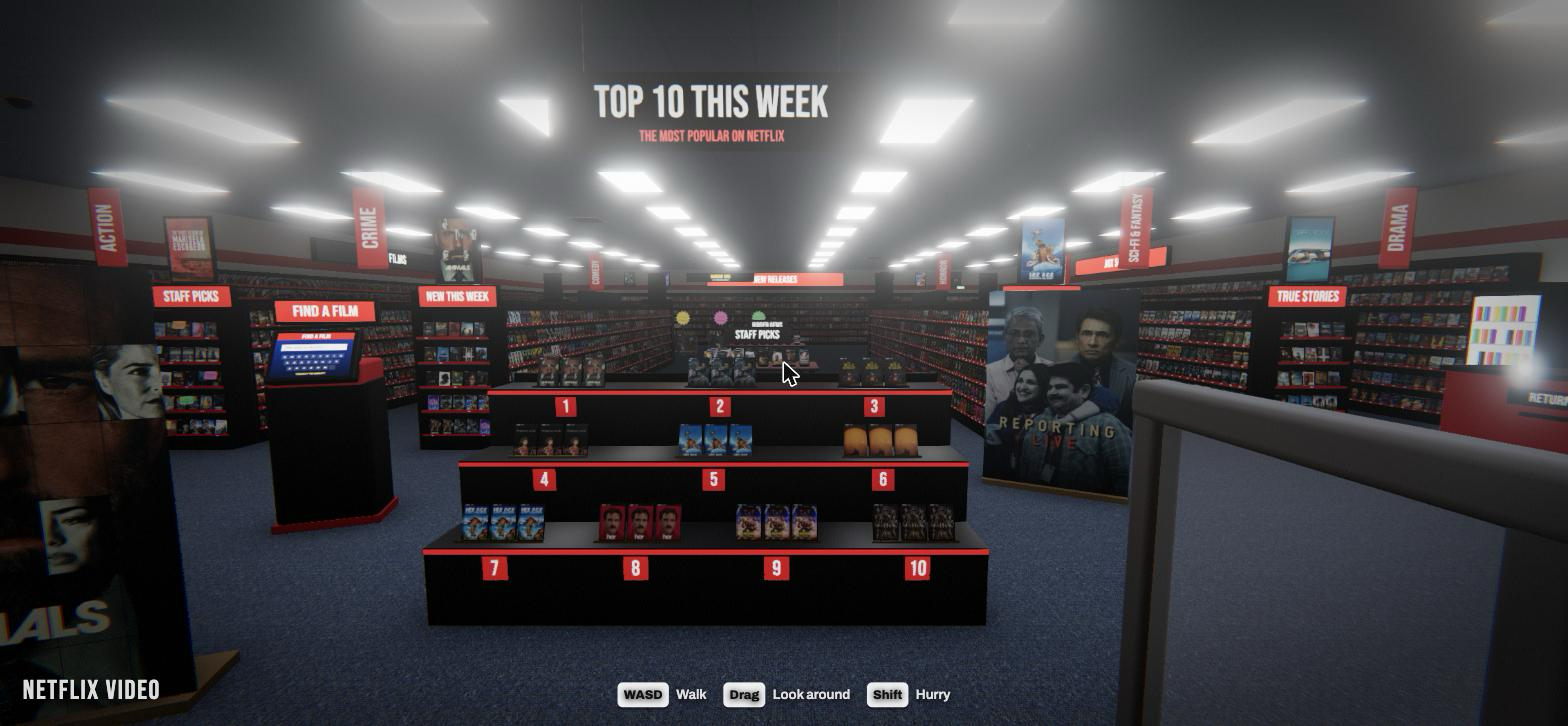
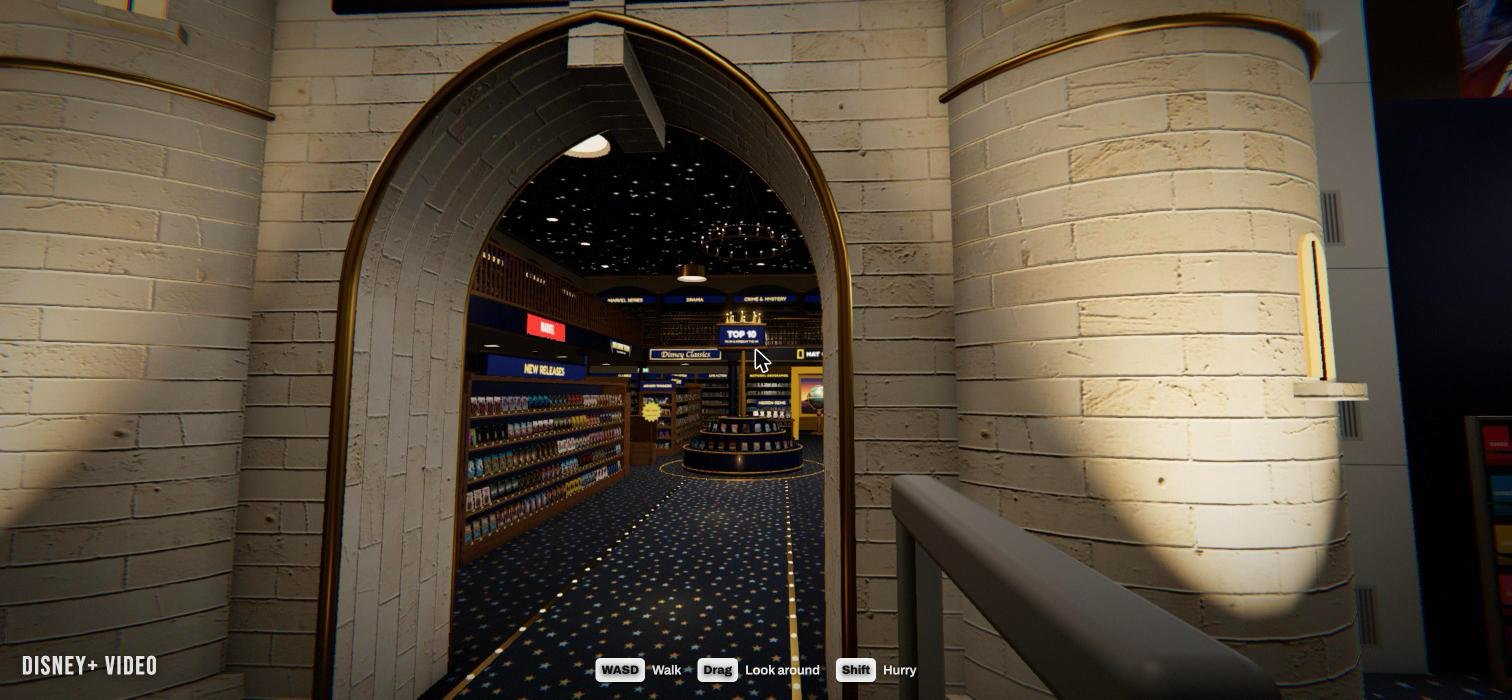
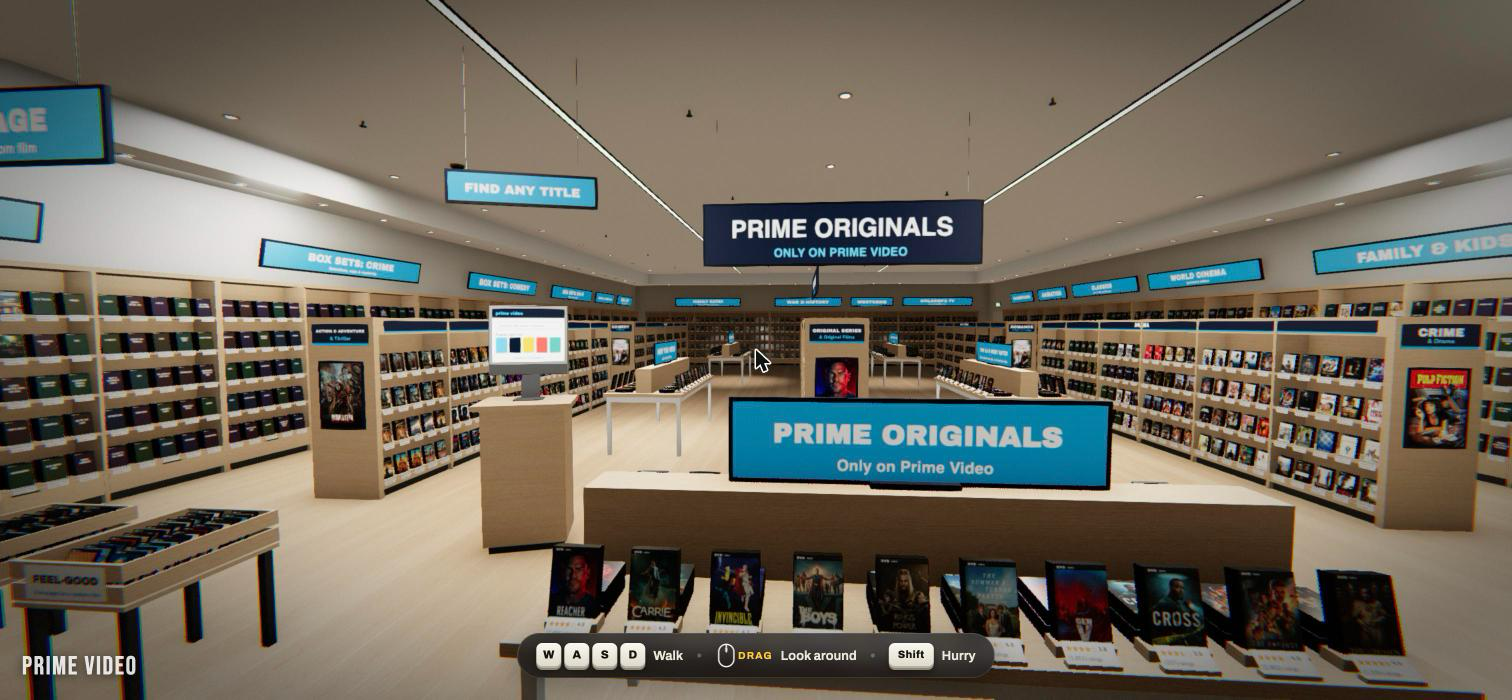
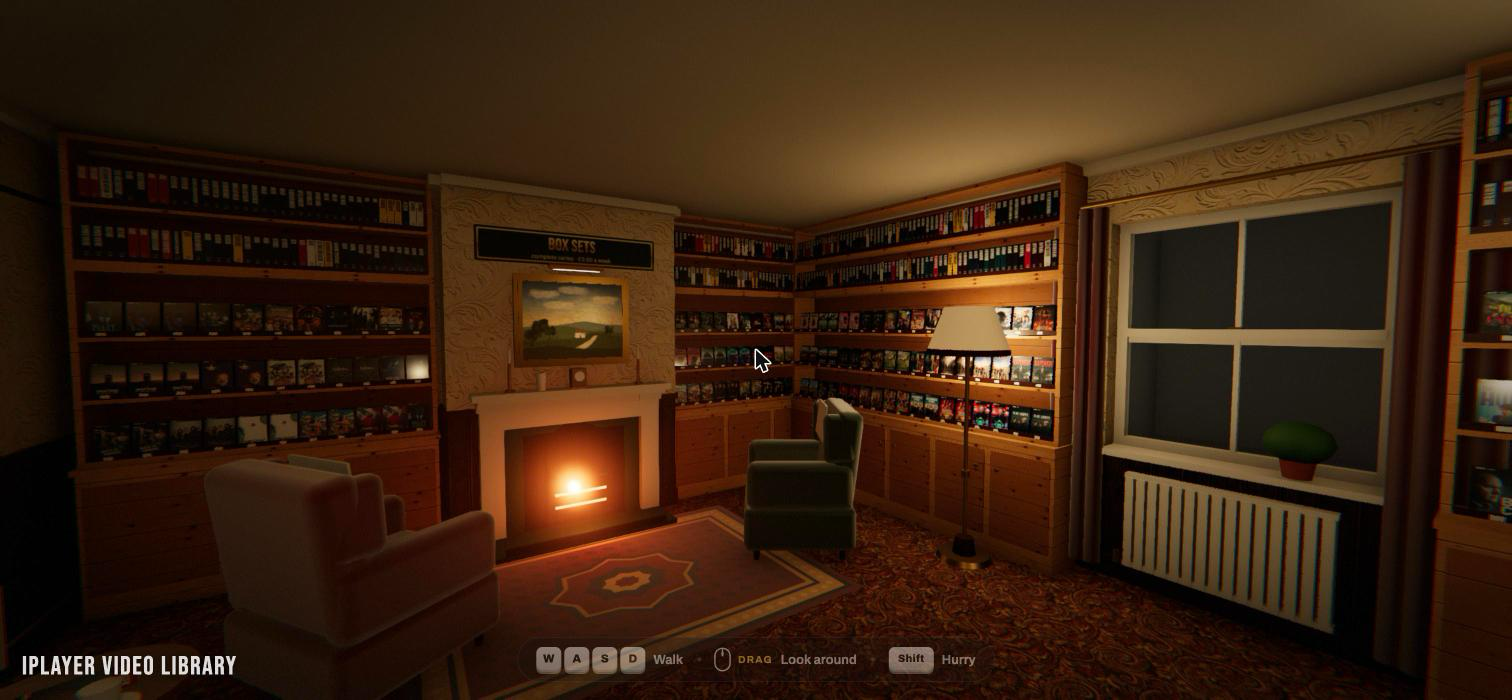
Netflix is a big-box superstore with black gondolas, a wall of new releases and a Top 10 island. Disney+ is a theme-park flagship you enter through a castle arch. Prime Video has oak shelves with a star-rating card under every case, and BBC iPlayer is a cosy 1980s video library, mostly box sets, with a test-card telly.
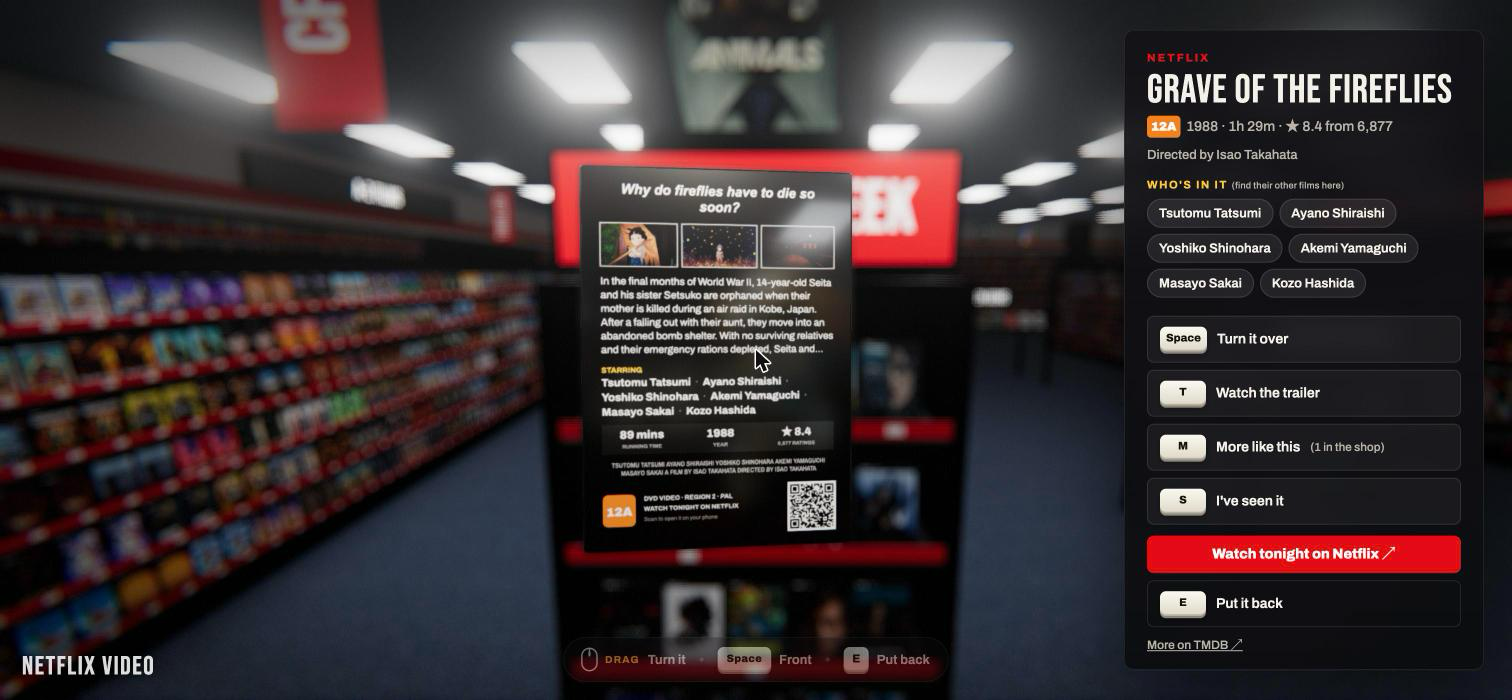
Pick a case up, look at the cover, then turn it over for the synopsis, cast, running time, BBFC certificate and a QR code that opens the film in the app on your phone. Light up an actor’s other films, follow arrows to more like it, rummage in the bargain bins or ask the shop computer. No late fees. The AI checked.
Plays on a phone, in your browser. Turn it sideways if the game asks, and tap Fullscreen on the play page. The machine made it pocket-sized and is very proud.
A quick guide for your first session. The machine wrote the game; we wrote this bit from its README.
Open the doors and walk along Station Parade with WASD or the arrow keys, dragging the mouse to look around.
Use the membership card to choose which apps you have. The other shops stay shuttered.
Walk into a shop and browse the aisles, or scroll into a shelf to step along it case by case.
Click a case (or press E) to pick it up, drag to turn it, and press Space to read the back.
Press M for more like this, T for the trailer, or click a name on the back to find their other films.
Found tonight’s film? Scan the QR code to open it in the app on your phone.
Every update below was also made by the machine. We just pressed Enter again.
These are real screenshots. Somehow these are the least AI-looking images on the site.
POINT-AND-CLICK × HIDDEN PRESENTS
A Christmas present hunt: Mum has hidden twenty presents round the house and left a note saying there’s nothing to see here.
⏱ TWENTY PRESENTS, BEFORE MUM GETS BACK FROM THE SHOPS
FIRST-PERSON INCREMENTAL × BALL PIT
A first-person incremental game: a dad has lost his keys in your play centre’s ball pit, and the ball pit holds 100 million balls.
⏱ ABOUT THREE HOURS OF BALLS